

The guide for IT administrators deploying Notate 2026 (version 26.0). Part One explains what changes. Part Two is a set of short chapter pages, one task each, so you can send your team straight to the step they need.
Who this is for. Every organization deploying Notate through an MDM, whether your mailboxes are on Exchange Online or on Exchange Server on-premises. If you are on Exchange Online, also read Exchange Web Services is being retired: your action, and what comes next for Notate.
Part One: overview
What your users get
|
|
|
|---|
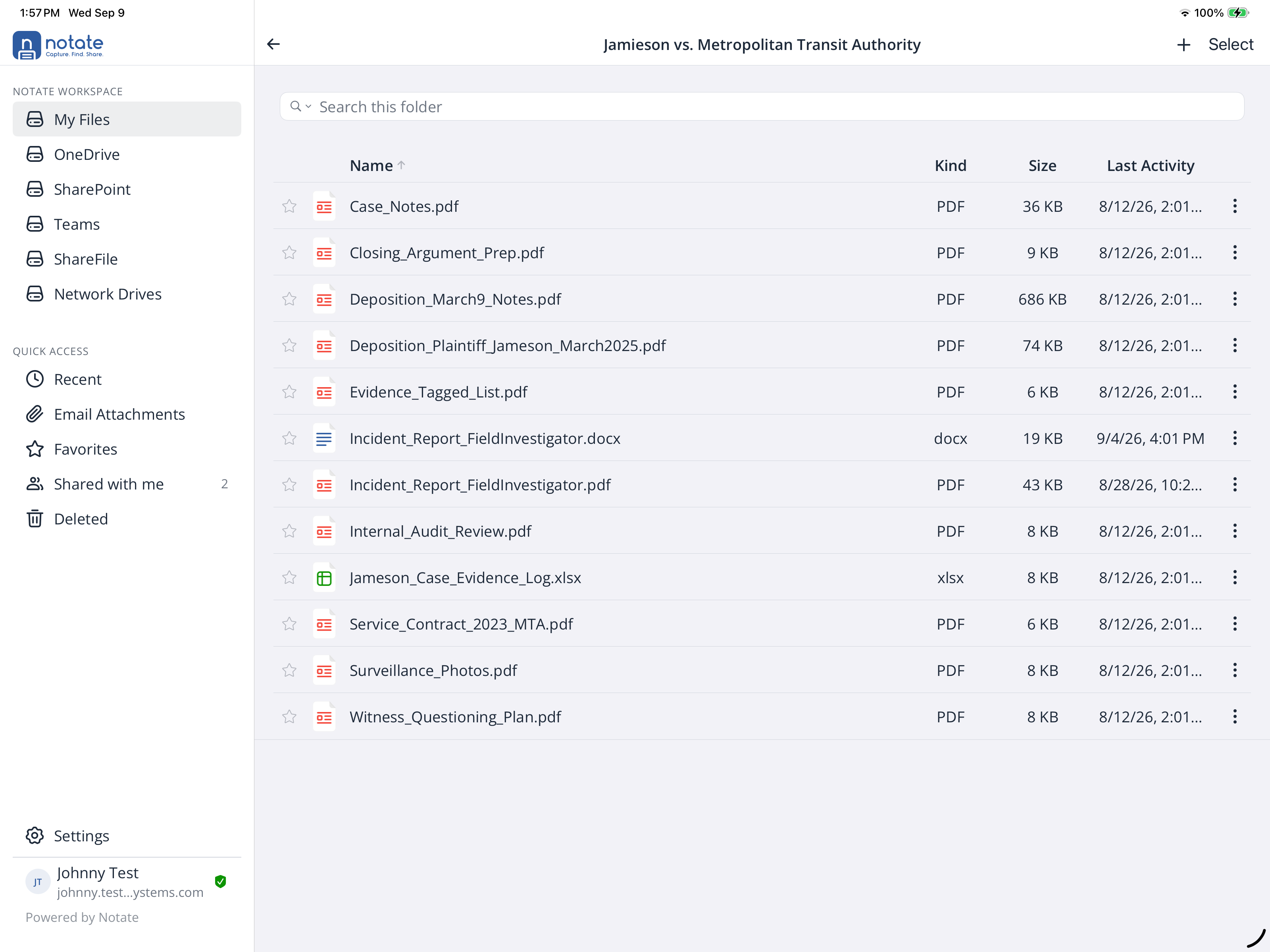
Notate now opens into a single workspace. Every place a document might live — the user's own Notate Drive, which appears to them as My Files, along with OneDrive, SharePoint, Teams, ShareFile and on-prem Windows network drives — sits in one sidebar, alongside recent email attachments, favorites, recents and folders shared with them. No more hunting through separate apps to find the file you were sent this morning.
-
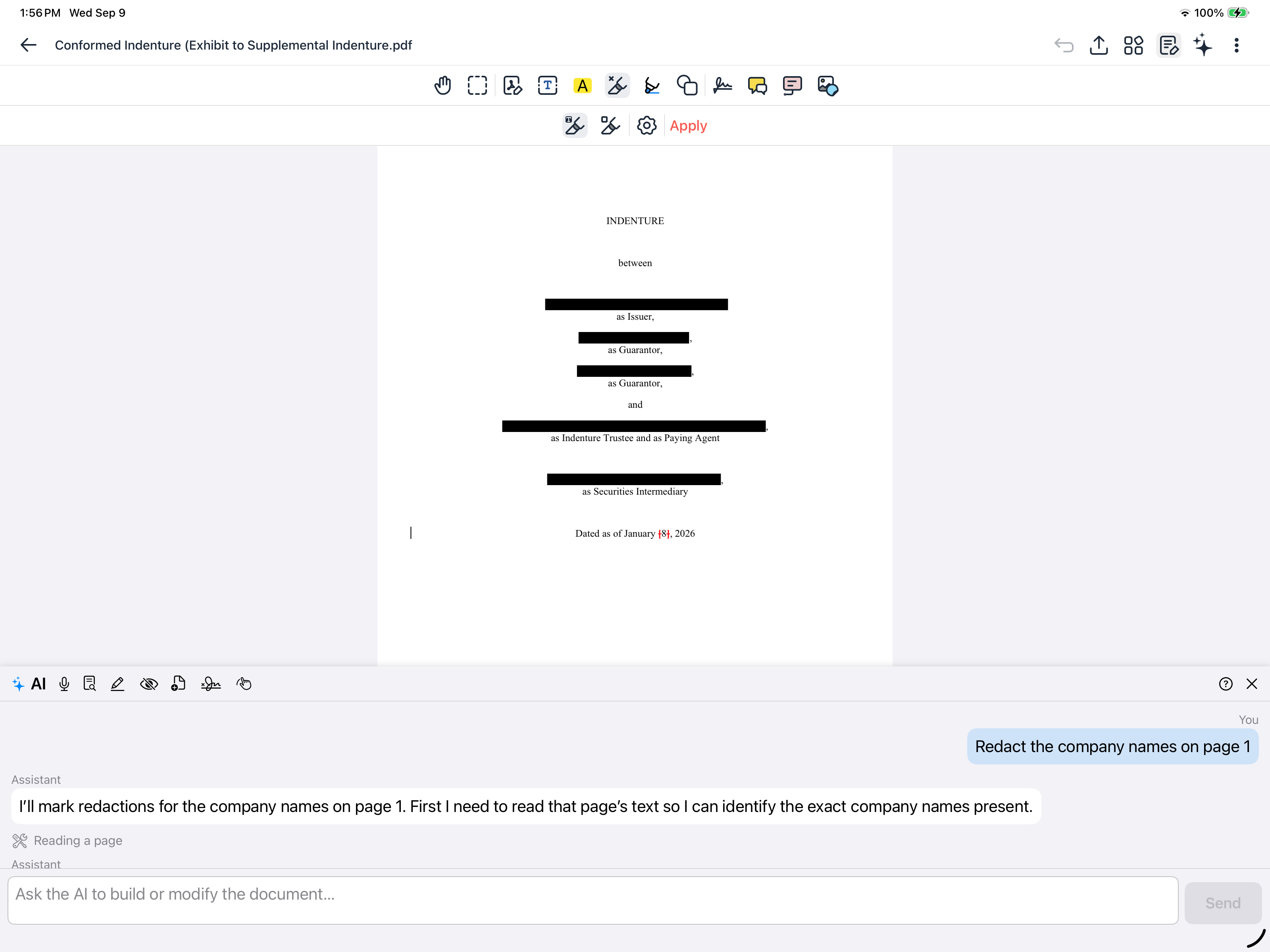
Open, mark up, send back. A document arrives as an email attachment; your user opens it in Notate, annotates or signs it, and replies with it — without it ever leaving your Microsoft environment.
-
Office documents open in Office. Word, Excel and PowerPoint files open in Microsoft's own appsand save straight back to where they came from, or go out as a reply to the email that brought them.
-
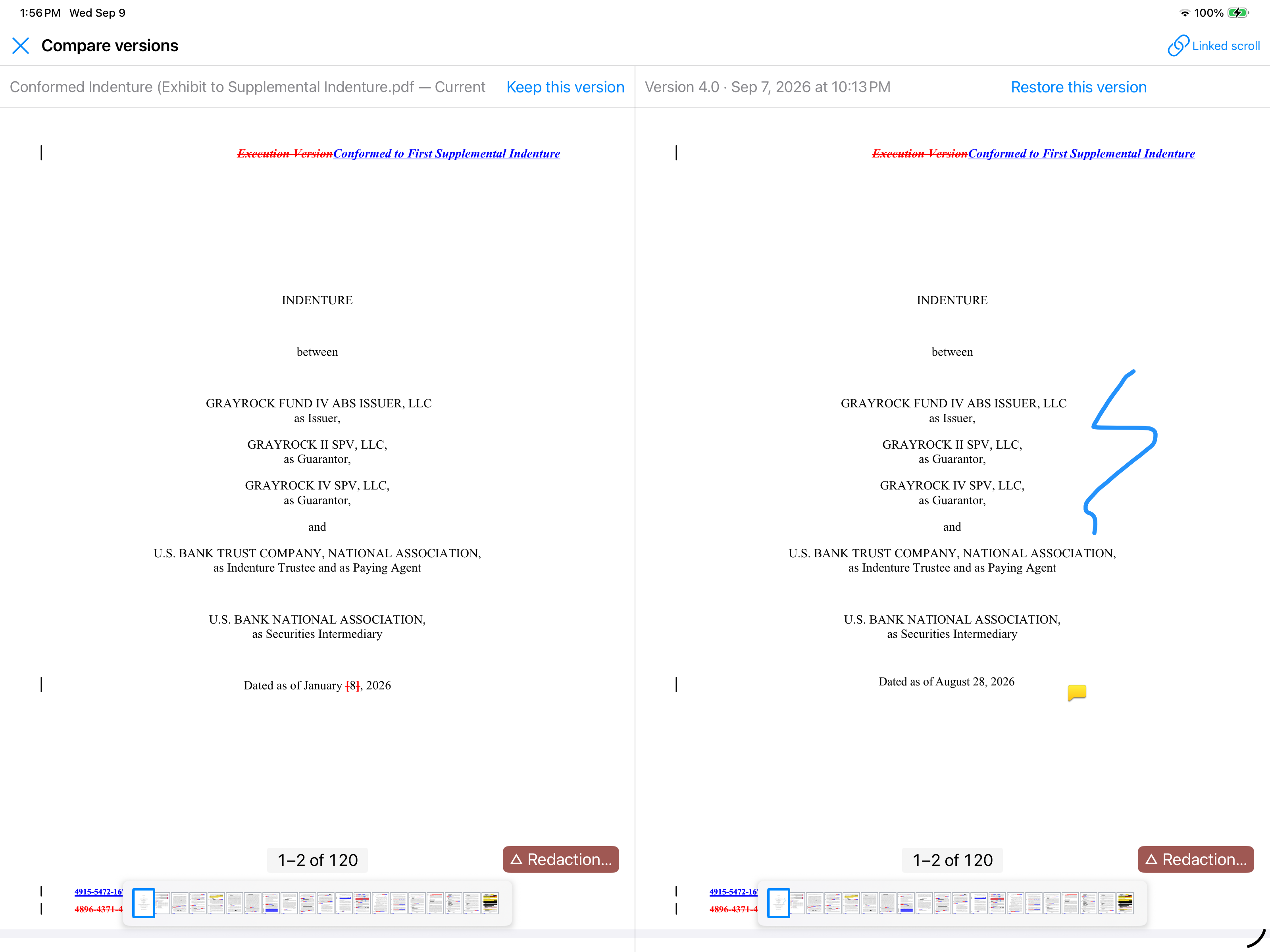
The PDF work is unchanged. Editing, annotation, redaction and certificate-based signing all work as they did.
-
An optional AI assistant in the PDF and note editors. It is controlled by app policy and runs on “bring your own Azure AI” resources you configure — nothing is on by default.
-
Notate on the web. The same workspace in a browser, at app.notatepdf.com.
-
Create as well as open. Users can create notes, PDFs from templates, and Word, Excel and PowerPoint documents, and save them straight into the right place.
-
Retired: Tasks, Calendar and Contacts. Hidden by default; their data stays in the mailbox. The policy reference has the switch that brings them back while a user’s Notate Drive is still in Exchange.
Want to see it before you read another word? The Try Notate Live button at notatepdf.com opens a free 30-minute session in your browser, with sample data and no signup. It is the fastest way to show your team what is coming.
One change to tell your users about. Tasks, Calendar and Contacts are retired in this release and hidden by default. Their data is untouched — it stays in each user's mailbox and remains visible in Outlook and Microsoft To Do. If your users still rely on them inside Notate, the policy key allowDeprecatedFeatures brings them back.
Where Notate keeps your data
Each user's Notate Drive (their notes, documents and folders) lives in their own OneDrive if you use Microsoft 365, or in their Exchange mailbox if you use Exchange Server on-premises. The app policy notateDriveMode sets which. See Notate Drive and OneDrive.
What stays the same
-
Documents never leave the Microsoft ecosystem. No new vendor is involved, and Shafer Systems never sees your content.
-
Exchange on-premises customers keep Notate Drive in Exchange; nothing moves.
-
Your MDM delivers license and policy exactly as before.
Part Two: administrator's guide
The chapter pages are listed below. Setup for each MDM, with its configuration files, is in Deploy with your MDM.