

This guide will walk you through how to install Notate for Windows.
The first step in installing Notate for Windows is to uninstall any previous version. To uninstall, follow these steps:
1. Use “add and remove programs” to uninstall every instance of Notate (make sure there are no remaining versions of Notate)2. Delete the folder C:\Users\USER_NAME\AppData\Local\Packages\ShaferSystems.Notate….
3. Delete any Shafer_Systems folders located under C:\Users\USER_NAME\AppData\Local
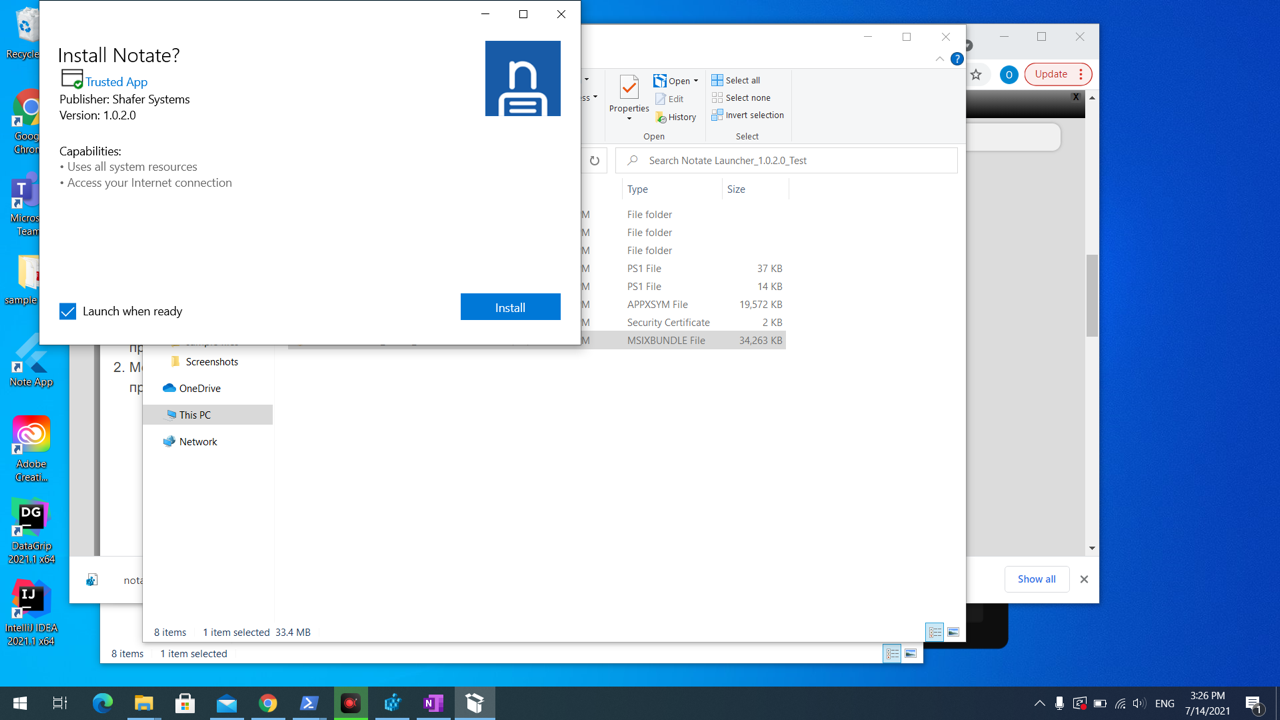
Next, download Notate for Windows here and then click on the “Notate for Windows.msixbundle” file and select “Install"
-
-
After installing, your license key should be added to the Windows Registry. Simply install the Notate for Windows Policies & License key.
Log files for Notate for Windows can be found here - C:\Users\Username\AppData\Local\Packages\ShaferSystems.Notate_…..\LocalCache\Local\ShaferSystems\notate